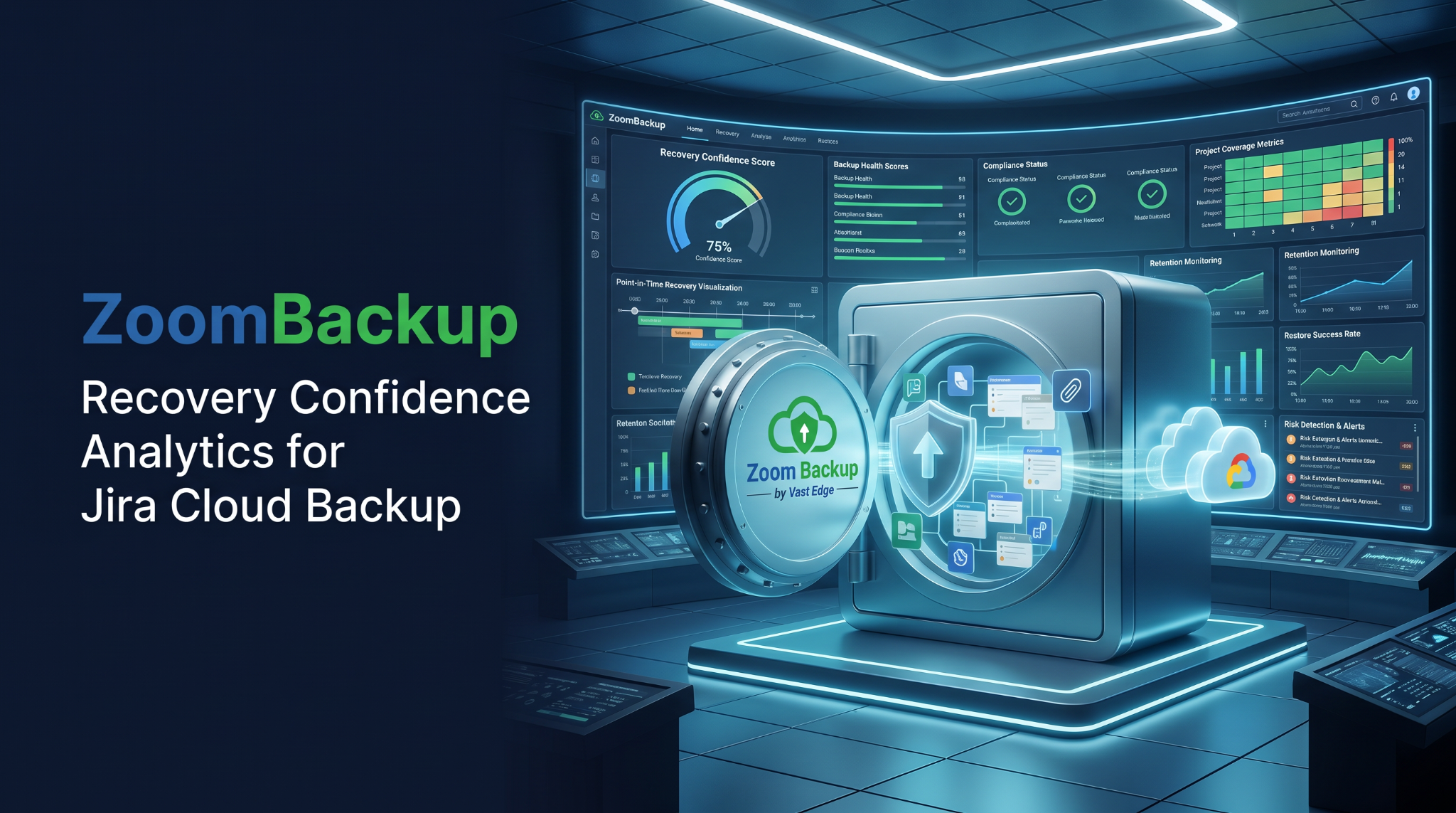
ZoomBackup launches Recovery Confidence Analytics to help organizations validate Jira Cloud backup coverage, recovery readiness, and restore reliability.
SUNNYVALE, CA, UNITED STATES, July 7, 2026 /EINPresswire.com/ — ZoomBackup, a backup and disaster recovery platform by Vast Edge, today announced the availability of Recovery Confidence Analytics, a new capability within its Jira backup platform designed to help organizations assess whether backed-up Jira data can be successfully restored when needed.
The feature continuously evaluates backup completeness, project coverage, configuration consistency, retention status, and recovery readiness across Atlassian Jira Cloud environments. The goal is to provide IT, security, and compliance teams with greater visibility into recovery preparedness before an outage, ransomware event, accidental deletion, or configuration failure occurs.
Why Recovery Readiness Remains a Blind Spot
Organizations rely on Atlassian Jira Cloud to support software development, IT service management, project delivery, and compliance-related processes. While many teams maintain an active Jira backup strategy, the ability to successfully restore data is often assumed rather than validated.
That assumption is frequently challenged during recovery events. Missing attachments, incomplete project coverage, workflow configuration gaps, failed automation rules, and retention inconsistencies are often discovered only after a recovery attempt has begun.
In many environments, backup jobs complete successfully and report no errors. However, those reports do not necessarily confirm that all critical data, configurations, permissions, and dependencies required for a complete recovery have been captured.
The issue becomes particularly significant for enterprises managing complex Jira deployments across multiple teams, business units, and regulated environments where historical records must remain available for audit, governance, or legal requirements.
Recovery Confidence Analytics was developed to help identify these risks before they affect recovery operations.
How Recovery Confidence Analytics Works
The capability operates alongside existing Atlassian Jira Cloud backup processes and continuously analyzes backup health across protected Jira environments.
Rather than focusing solely on whether a backup completed, the system evaluates project protection coverage, attachment availability, workflow consistency, configuration integrity, and retention compliance. It also generates recovery readiness indicators and backup health scores that help teams understand the likelihood of a successful restore.
The analytics engine identifies potential recovery risks, including incomplete project protection, missing dependencies, configuration inconsistencies, and retention policy violations. Findings are presented through reporting dashboards designed to support operational teams, auditors, and governance stakeholders.
The capability also supports organizations operating HIPAA-compliant Jira backup environments where visibility into backup integrity and retention management is often required for compliance reviews.
Recovery Confidence Analytics works across AWS, Microsoft Azure, and Google Cloud storage environments, including multi-region replication architectures and Bring Your Own Storage deployments. This allows organizations to apply recovery analysis within their existing infrastructure rather than requiring a separate backup environment.
For organizations evaluating how to backup Jira Cloud effectively, the capability provides a practical method for validating recovery readiness instead of relying solely on backup completion reports.
Benefits for IT, Security, and Compliance Teams
Teams responsible for Jira backup cloud environments often face limited visibility into actual recovery readiness. Recovery Confidence Analytics addresses this challenge by providing continuous monitoring of backup coverage and recovery risk indicators.
IT teams can identify projects, attachments, or configurations that may not be fully protected before an incident occurs. Security teams can use recovery readiness reporting to strengthen ransomware preparedness and verify that immutable backup storage strategies and point-in-time recovery protections are functioning as expected.
Compliance and governance teams gain access to audit-ready reporting that documents backup health, retention status, and recovery readiness over time. This creates a documented record that can support internal audits, regulatory reviews, and business continuity assessments.
The platform also analyzes workflow configurations, permissions, custom fields, and project settings. Restoring issues and project data without the surrounding configuration often results in incomplete recovery outcomes, making configuration integrity a critical part of overall recovery planning.
Supporting Enterprise Jira Recovery Strategies
The new capability complements existing Jira software backup and recovery features available within the ZoomBackup platform, including granular recovery, cross-environment restore, immutable backup storage, and point-in-time recovery.
Organizations can use recovery analytics to support disaster recovery exercises, audit preparation, retention validation, and recovery testing initiatives. The reporting framework provides measurable indicators of backup health rather than relying exclusively on job completion logs.
For enterprises evaluating solutions that support long-term business continuity objectives, Recovery Confidence Analytics adds an additional layer of visibility into recovery preparedness. Organizations seeking the best cloud disaster recovery service for continuity planning increasingly require evidence that backups can support recovery objectives, not simply confirmation that data has been copied to storage.
“Many organizations know they have backups, but they do not always know whether those backups can support a successful recovery,” said a spokesperson for ZoomBackup. “Recovery Confidence Analytics was developed to provide visibility into recovery readiness before an incident occurs. The objective is to help organizations identify potential recovery gaps while there is still time to address them.”
The launch reflects a broader shift in enterprise backup strategies. Organizations are moving beyond measuring backup completion and placing greater emphasis on validating recoverability, testing recovery procedures, and documenting recovery readiness.
For IT leaders responsible for Jira backup, Jira software backup, and Atlassian Jira Cloud backup environments, Recovery Confidence Analytics provides an ongoing view of whether backup protection is likely to translate into a successful recovery when required. This approach supports more informed recovery planning and aligns with the expectations of organizations pursuing the best cloud disaster recovery service for continuity planning.
About ZoomBackup
ZoomBackup is the backup and disaster recovery platform developed by Vast Edge, providing secure backup, recovery, and business continuity solutions for modern SaaS applications and cloud environments. The platform supports point-in-time recovery, granular recovery, immutable backup storage, cross-environment recovery, and multi-region deployment architectures across AWS, Microsoft Azure, and Google Cloud.
ZoomBackup helps organizations protect critical business applications including Jira Cloud, NetSuite, Workday, Microsoft 365, Google Workspace, Salesforce, and other enterprise workloads. The platform is designed to strengthen data protection, compliance, cyber resilience, and business continuity programs across technology, healthcare, financial services, manufacturing, and professional services organizations.
Vik Mehta
ZoomBackup
+1 408-386-6386
secure@zoombackup.com
Legal Disclaimer:
EIN Presswire provides this news content “as is” without warranty of any kind. We do not accept any responsibility or liability
for the accuracy, content, images, videos, licenses, completeness, legality, or reliability of the information contained in this
article. If you have any complaints or copyright issues related to this article, kindly contact the author above.

Media gallery